
GoMeddo Time Zones: How global scheduling actually works
In this article, GoMeddo Product Manager Luuk Koetsier explains how GoMeddo's Salesforce-native timezone architecture keeps reservations, calendars, self-service booking experiences, and calendar integrations synchronised across multiple time zones, helping organisations eliminate confusion, avoid scheduling errors, and deliver reliable booking experiences around the globe.
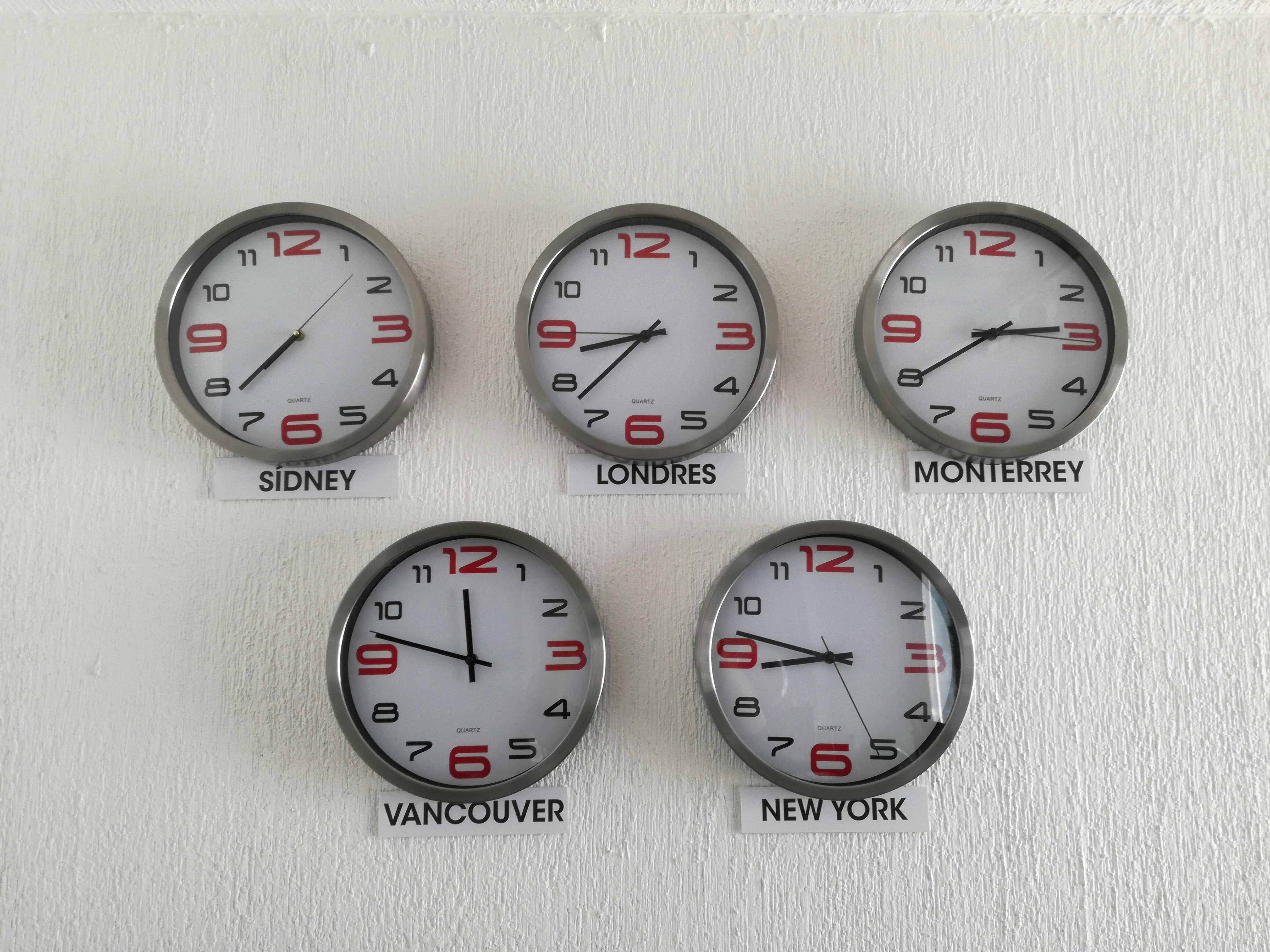
Here’s something I regularly hear.
A facilities manager in Amsterdam books a training room in the London office for 15:00. The confirmation email arrives in the London attendee’s inbox and also says 15:00.
So the attendee shows up at 15:00 London time.
But the room was actually booked for 15:00 Amsterdam time, which is 14:00 in London. By the time they arrive, the room is already in use.
That is the kind of timezone issue that feels small on paper, but creates real disruption in daily operations. And once your organisation works across multiple locations, regions, or countries, timezone handling becomes something you really need to get right.
GoMeddo has been steadily improving how timezones work across the full booking lifecycle. Let me walk you through it.
Every reservation has its own timezone
In GoMeddo, every reservation is linked to a specific timezone. That timezone can come from different places, depending on how your organisation works.
For many teams, the timezone follows the resource. A room in Amsterdam uses Amsterdam time. A room in London uses London time. You set this once on the resource record, and reservations for that resource automatically use the right timezone.
But not every booking is room-based. You might schedule staff, equipment, vehicles, training sessions, or any other custom object. That is why GoMeddo also supports timezone fields on dimensions. Since Q1 2025, every dimension carries its own timezone through the GoMeddo Time Zones global picklist.
You can also decide which part of the reservation should determine the timezone. For example, a training provider may want the trainer’s timezone to lead the booking, while a venue-based booking should follow the room’s timezone.
The goal is simple: every reservation uses the timezone that makes the most sense for that specific booking.
How this looks on the calendar
Let’s say you manage venues in both Amsterdam and London.
On your GoMeddo calendar, each venue appears in its own column. If you book a session at 15:00 in Amsterdam and another at 14:00 in London, those sessions appear at the same visual height on the calendar.
Why? Because they are happening at the same moment in real life.
But each column still shows the correct local time for that location. If you move a reservation from Amsterdam to London, GoMeddo keeps the local booking time clear for the destination. So if a meeting is meant to happen at 15:00 local time, it remains understandable as 15:00 local time wherever it is moved.
That is intentional. Most people booking a room, venue, or facility use the local time of that place.
It also works for self-service bookings Timezone handling is not just for internal teams using the GoMeddo calendar. It also works in customer-facing booking flows. If someone uses the Time Slot Picker in an Experience Cloud portal, the available slots can be shown in the local time of the resource being booked. So if a customer in New York is booking a training room in Amsterdam, they see Amsterdam times.
The same applies to the Frontend Builder. Your self-service booking page can show the correct local time for each venue, resource, or service without creating confusion for the person booking.
This is especially useful for organisations with customers, staff, or resources spread across different regions. Whether someone books through a public page, a portal, or an internal flow, they see the time that is relevant to the thing they are booking.
You decide how time should be shown
There is no single right way to display timezones. Different teams need different views. A local venue manager usually wants to see bookings in the timezone of each location. A central planning team may prefer to see everything in their own timezone, so they can compare schedules more easily.
GoMeddo gives you control over this.
On the calendar, you can choose whether times are shown in the resource’s local timezone or in the viewing user’s timezone. In the Frontend Builder, you can also decide whether available slots should follow the resource timezone or the user timezone.
That means you can set up each calendar or booking flow in the way that best fits the people using it.
Confirmation emails and calendar sync
Once a reservation is confirmed, GoMeddo also makes sure the time is carried correctly into external calendars. When GoMeddo sends a confirmation email with an ICS attachment, tools like Outlook, Google Calendar, and Apple Calendar read the timezone information and display the event correctly for the recipient.
The same applies to GoMeddo’s Outlook and Google Calendar sync. Events appear at the right local time for the person opening them. So whether someone is working from Amsterdam, London, New York, or anywhere else, the booking stays accurate.
Why this matters
If your organisation operates in one timezone, most of this happens quietly in the background. But once you manage resources, staff, or customers across multiple timezones, the way your scheduling platform handles time becomes critical. Poor timezone handling can lead to missed appointments, double bookings, confusion, and a loss of trust in the system.
GoMeddo avoids this by anchoring every reservation to a specific timezone from the moment it is created.
That means timezones are not treated as an afterthought or worked around manually. They are built into the booking logic itself.
If you want to configure timezones for your dimensions or reservation types, the full guide is available at documentation.gomeddo.com. And if you are not sure which setup fits your use case, reach out to your GoMeddo consultant.
They can walk you through the options, independent of your timezone.


Related articles


Do you want to know how we can help you?
Get in contact with our experts and find out what GoMeddo can do for you!
